A 5-minute tour
Four short clips and one terminal session: draw a screen, make it a component, click through it as a prototype, and turn it into code.
Esta página está em inglês; a tradução está a caminho.
1. Draw#
- Run UI Designer: New Design and pick a template
- Press R and drag for a rectangle
- Press O and drag for an ellipse
- Pick Star from the shapes flyout and drag
- Set the fill colour in the Design panel
A design is one .design file next to your code: plain JSON that git diffs line by line. The editor is a full vector tool: frames, shapes, the pen, text, auto layout. More in Your first design and Tools.
2. Reuse#
- Select a frame and press CtrlAltK
- Drag the component from Assets: an instance
- Override the instance’s text
- Swap the instance for another component
Components with variants and properties, styles, and variables with modes (Light and Dark, Compact and Comfortable) make a design system. See Layout, components and variables.
3. Prototype#
- Open the Prototype view and select a button
- Drag its handle onto a frame: a connection
- Play the prototype (CtrlAltEnter)
- Click through it in the player
Interactions, overlays, smart animate and flows; the player follows your edits as you make them. See Prototyping.
4. Hand off#
- Select a frame and open Inspect
- Choose Generate code…
- Pick HTML + CSS and preview the files
- Apply: the files are written into the workspace
Inspect shows measurements, variables and code for React, Tailwind, HTML, CSS, SwiftUI, Compose and custom elements. See Handoff to code.
5. From the terminal#
Everything above is also a command. ud reaches every command of the editor, so Claude Code and your scripts design the same file, live in the open editor:
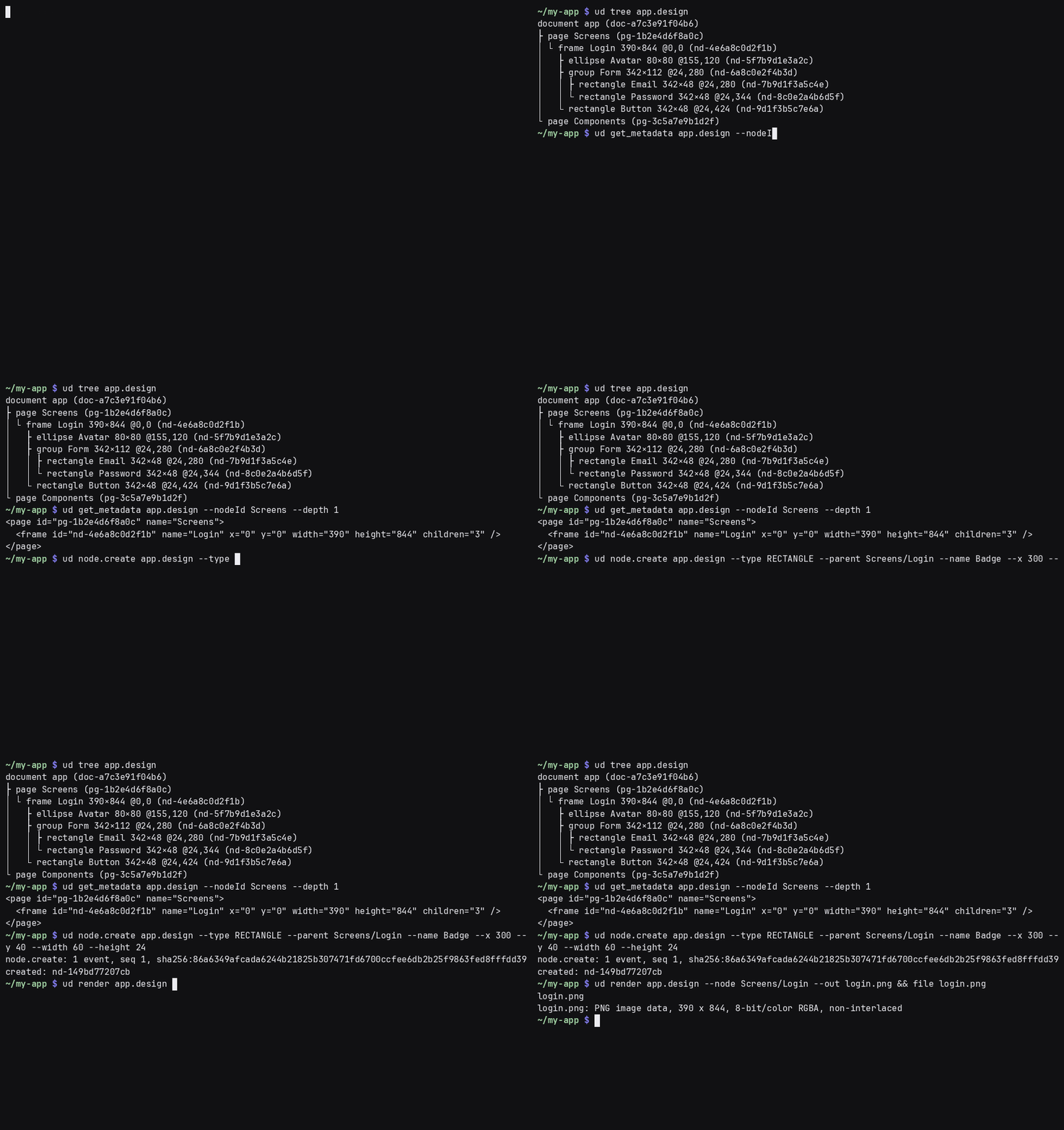
ud new tour --template web
ud where tour.design
ud tree tour.design --depth 2
ud run node.create tour.design --type RECTANGLE --width 160 --height 96
ud render tour.design --out tour.png
See Command line and agents and The AI panel.