
Soft Forge Electronics Designer
Schematic and PCB design inside VS Code, on KiCad files: a schematic editor, a board editor with an interactive router, a 3D view and a native Gerber engine, with live ERC and DRC as you draw.
$ code --install-extension SoftForge.softforge-electronic-workbench
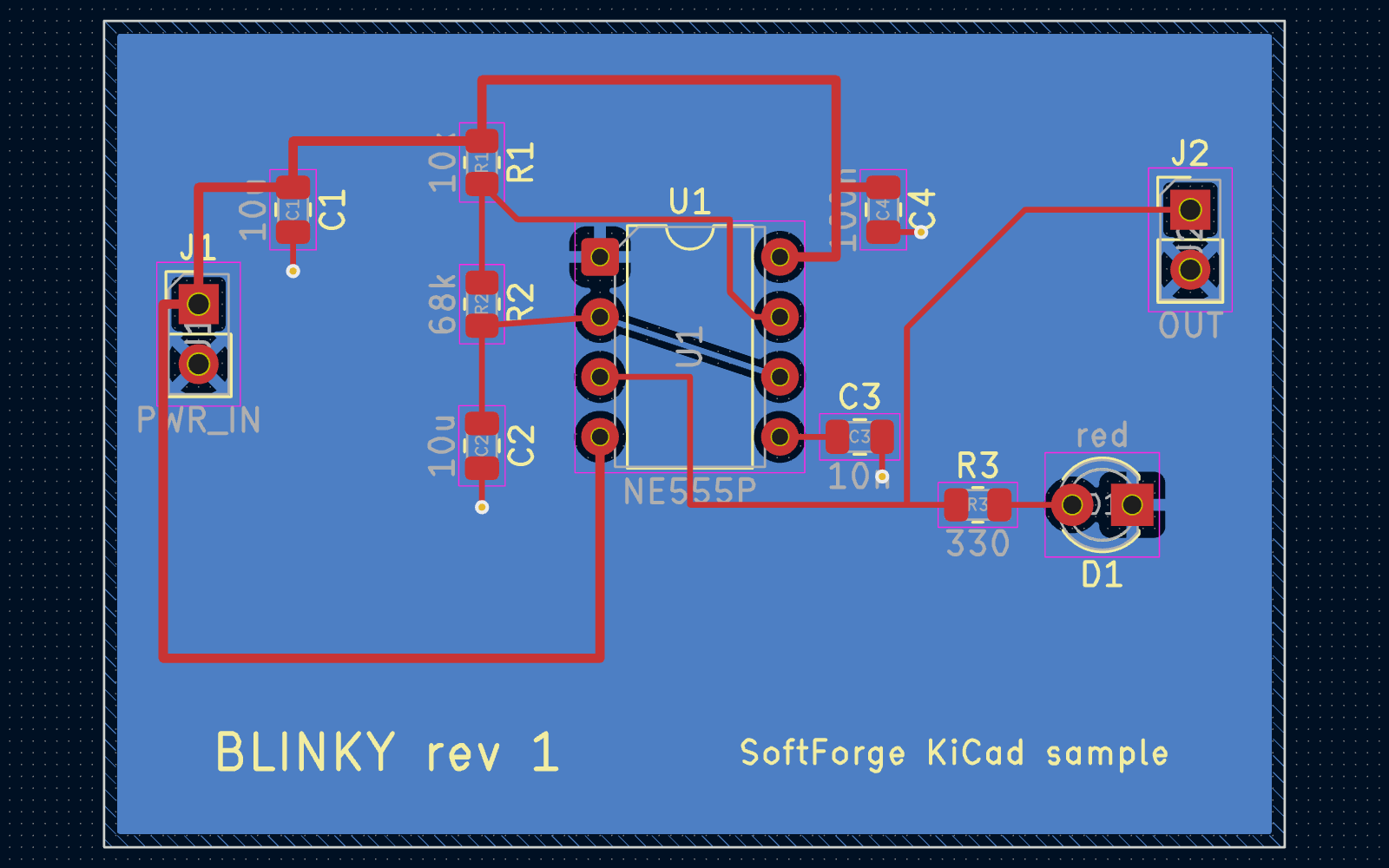
Opens and saves KiCad project files (.kicad_sch, .kicad_pcb, .kicad_sym, .kicad_mod, .kicad_pro). Viewing, editing, live checks and Gerber output work without any other tool installed.
- KiCad file formats
- Gerber X2 & Excellon
- ngspice
- Freerouting
- IDX 3.0
- Live Share
- MCP
- Claude Code
From the first symbol to the files the fab needs.
Each editor is a VS Code custom editor: undo, the dirty dot, hot exit and the Problems view are VS Code's own, and every command is also a shell command and an MCP tool.
Schematic editor
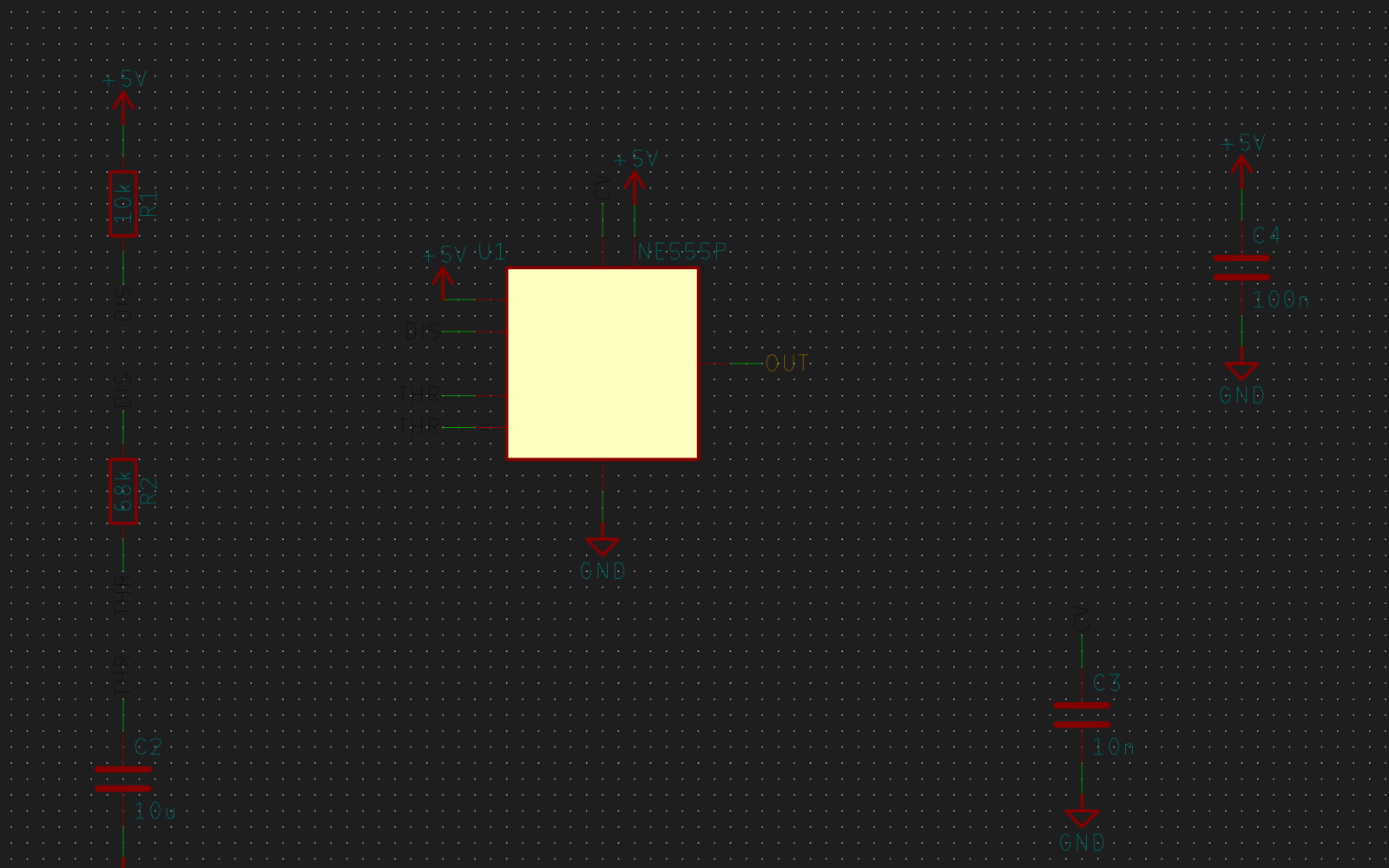
Symbols, wires, buses, labels, junctions, no-connects and power symbols; hierarchical sheets with sheet pins and a hierarchy navigator; lines, shapes, text, text boxes and images.
- Ctrl+A adds a component: a palette-style search over the symbol libraries, with the footprint step and automatic references
- Hierarchy-wide annotation, symbol properties, a footprint chooser and Change symbol
- BOM and Symbol Fields Table with grouping, presets, CSV / TSV / HTML output and bulk edits across sheets
Board editor and router
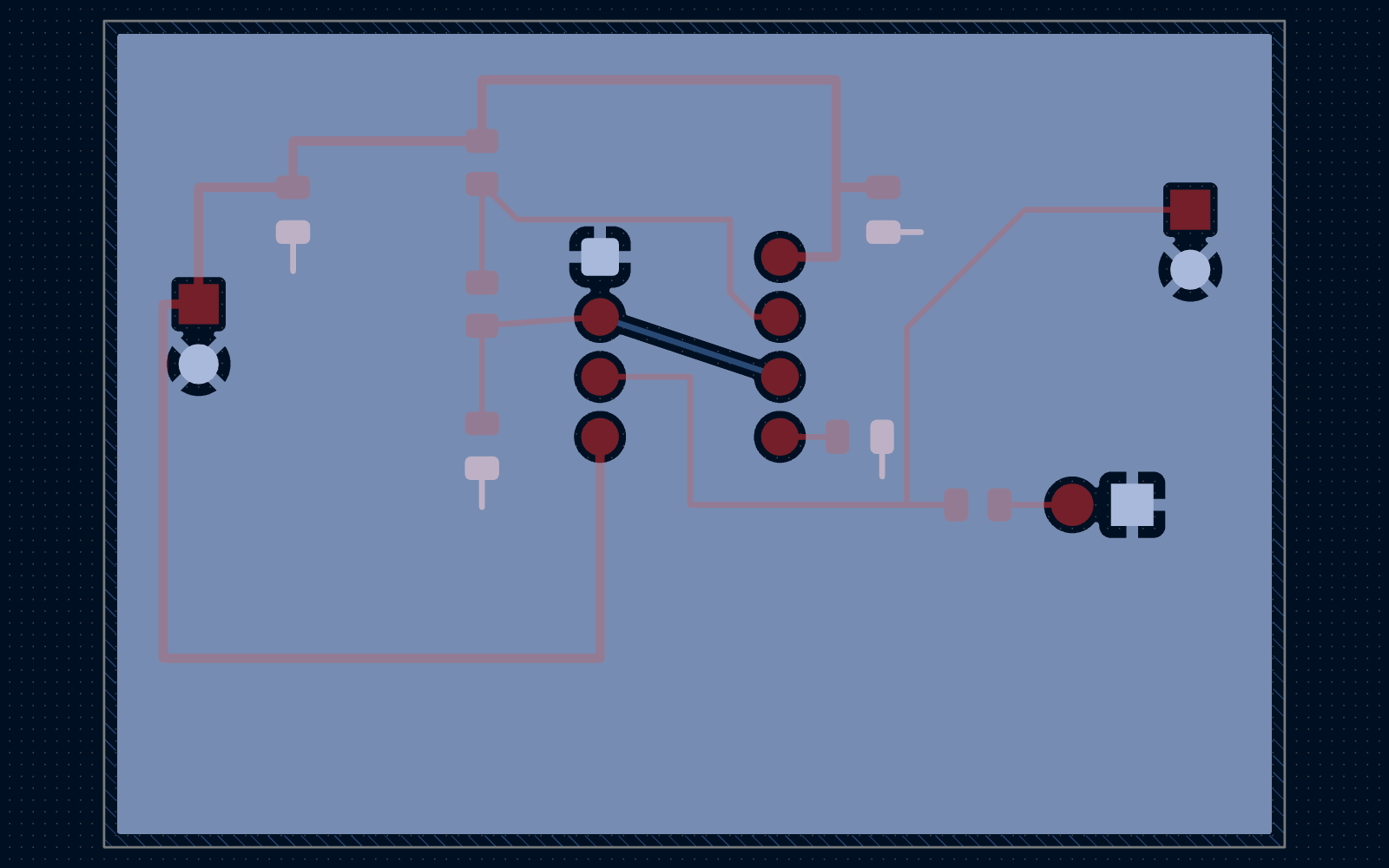
Place footprints, update the board from the schematic, and route with 45°, 90° or free lines, walkaround or push-and-shove. Differential pairs, bus multi-routing, length and skew tuning with meanders, fan-out, via stitching and teardrops.
- Zones and rule areas with a built-in zone filler
- Board Setup: layers, stack-up, net classes, custom rules and a Constraint Manager
- Autorouting through pluggable providers, with a per-net review
- Variants, rooms and reuse blocks, multi-board systems, rigid-flex, HDI, panels and test points
3D view and MCAD
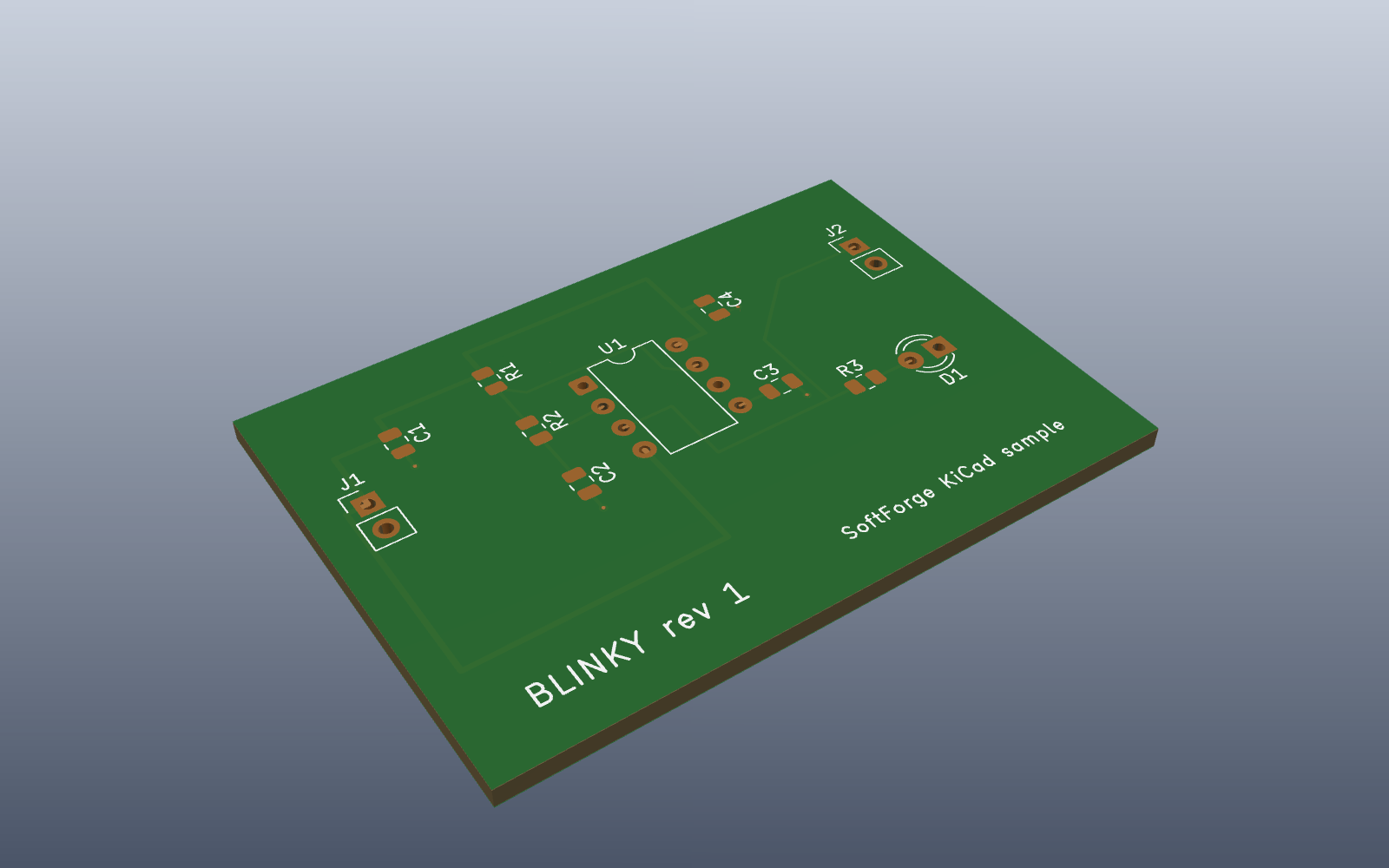
A 3D view built from the stack-up with component models, section cuts and presets. Enclosures and reference solids, board outlines from DXF, height envelopes, 3D clearance checks and an IDX 3.0 round trip with mechanical CAD.
- STEP import and export with the optional SoftForge OCCT add-on
- Simulation fields from JSON, CSV, HDF5 or VTK drawn on the board and in 3D
Fabrication and the Gerber viewer
A native engine writes RS-274X X2 Gerbers, Excellon drill files, drill maps and the .gbrjob job file. The viewer opens any fab set, names layers from their X2 attributes and checks the files before they go out.
- Position files, BOM, STEP / VRML / GLB, ODB++ and IPC-2581
- Fabrication compare (XOR against the board or another set) and Gerber-level DFM
- Output jobs and gated releases; documentation sheets exported as one bookmarked PDF
Live checks and analysis
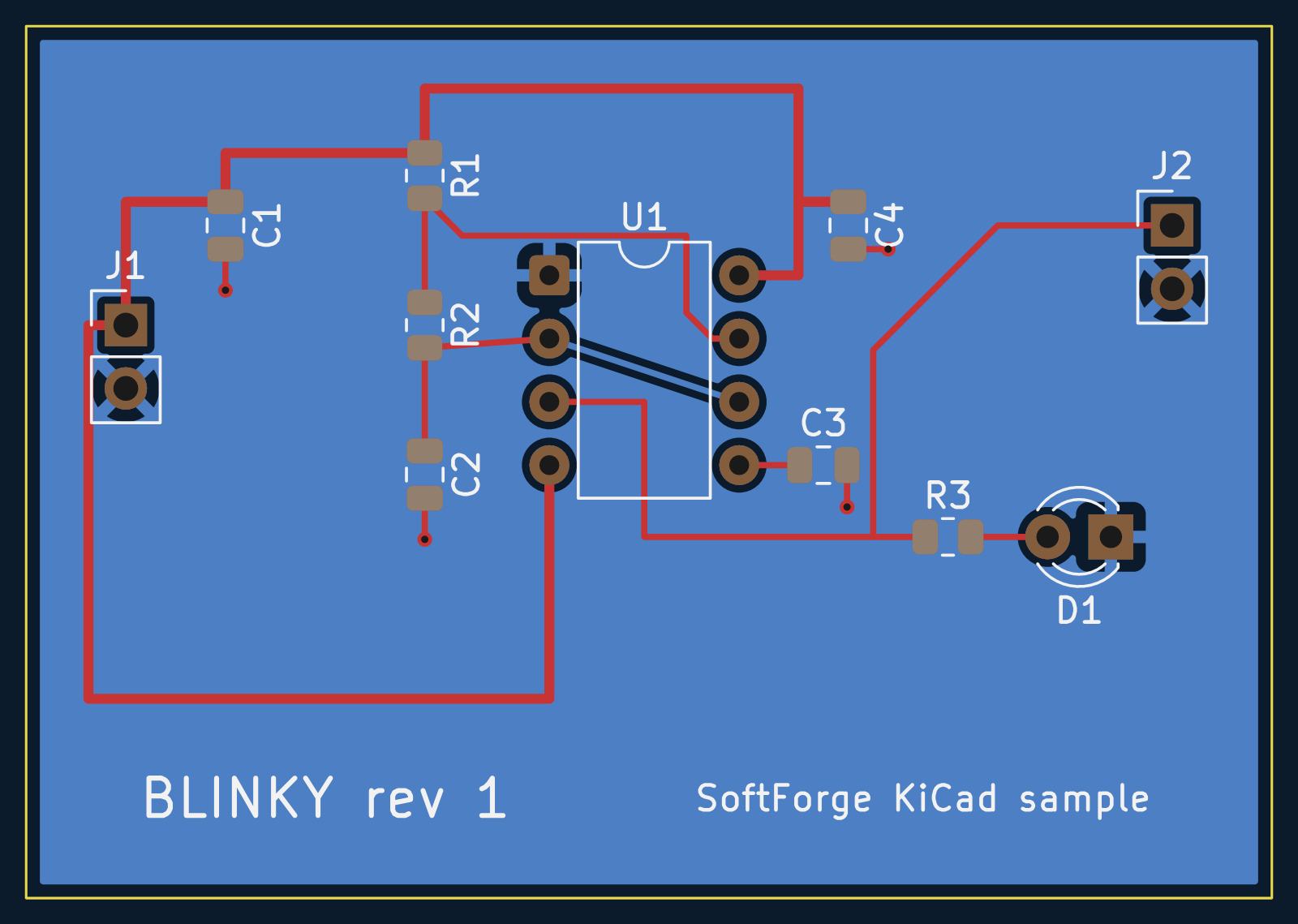
ERC and DRC run in a worker thread while you draw, with markers on the canvas, Problems diagnostics and quick fixes. Requirements become constraint zones and volumes on the board, evaluated live, and a solve loop changes the board until they are met.
- Signal and power integrity: impedance, delay, crosstalk, reflections, DC IR drop
- Circuit simulation with ngspice: operating point, transient, AC, DC, noise, sweeps and Monte Carlo
Automation and agents
Every designer command is a shell command: edsnx pcb add-track, edsnx project checks, edsnx gerber export, edsnx render png, with --json, --dry-run, --batch transactions and a replayable session log. edsnx mcp serves the same commands as MCP tools, edsnx serve speaks JSON-RPC 2.0, and edsnx run runs TypeScript scripts.
- With the agent attachment on, an agent's edits land in the open editor
- They go through VS Code undo, live checks and a review mode with accept / revert
Library editors
Symbols and footprints in their own editors: pin tables, padstacks, pad arrays, footprint wizards, 3D model binding, importers and managed repositories.
Collaboration and review
Comment threads on items and regions, Live Share sessions, a static web viewer for CI and visual diffs against any git revision.
Schematic and board in step
Update PCB from Schematic and back again, with cross-probing and net highlighting between the two.
Gated releases
A release runs ERC, DRC, requirements, DFM and test access first, then stamps a version and zips the outputs.
Examples to download
A routed sample board, a simulation, a multi-board system, rigid-flex and add-on samples, each as a zip.
One command set
The same commands from the editor, the shell, MCP, JSON-RPC and scripts, with the same undo steps and errors.
Free to design. Pro and Team for the rest of the bench.
Drawing, checking and fabricating a board is free, with no account. Pro adds the analysis, MCAD and agent tools; Team adds what several people need to share one design. Plans are sold through Soft Forge from release 1.8.0; the extension never handles a payment.
Free Free
€0forever, no account
- Schematic, board, symbol and footprint editors
- Live ERC and DRC with quick fixes
- Libraries and the library browser
- Fabrication outputs: Gerber X2, Excellon, position files, ODB++, IPC-2581
- Gerber viewer, BOM and documentation sheets
edsnxcommand line, MCP server and scripts
Pro Pro
from€12.00per seat / month
or €120.00 a year
- Everything in Free
- Routing extras: differential pairs, length tuning, autorouting
- Signal and power integrity
- MCAD: enclosures, IDX round trip, clearance in 3D
- Requirements and the solve loop
- Realistic 3D rendering
- Agent attachment and the AI chat box
- Playback of design history
Team Team
from€39.00a month, 5 seats
- Everything in Pro
- Managed libraries shared by the team
- Design reviews and comment threads
- Live Share sessions on a board
- Multi-board systems with a system ERC
Sign in with Soft Forge from VS Code, or paste a license key on an air-gapped machine; keys are verified offline. How plans work.
Click a .kicad_pcb. That's the setup.
Open a folder with a project, click the board or the schematic, and it opens in the Electronics Designer editor with live checks on.
KiCad is a trademark of the KiCad project. SoftForge Electronics Designer reads and writes KiCad's file formats and is not affiliated with or endorsed by the KiCad project.