AI AgenticX Indexer
AI AgenticX Indexer guide
Up to 20x fewer tokens of context for Claude Code.
AI AgenticX Indexer keeps a map of your codebase, one entry per function, class or section. When your AI coding assistant needs code, it asks the map and gets back the few lines that matter, inside a reading budget, in place of whole files. The places you and your assistant work on most are found first.
What you get:
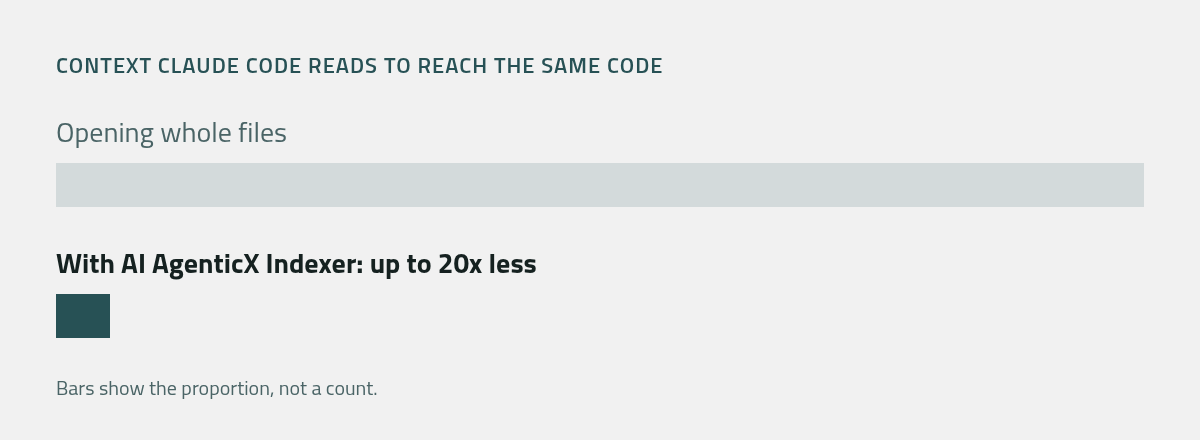
- Up to 20x less context. Claude Code reaches the same code with up to 20 times fewer tokens than when it opens whole files, and finds what it was looking for at least as often.
- Smaller bills. Every token left out of the context is one you do not pay for again on each later request.
- Sooner answers. Less to read means less to wait for.
- Longer sessions. The context fills up more slowly, so the assistant keeps the thread of a long task.
- Nothing to maintain. The map follows your edits as you save.
The guide
| Page | What it covers |
|---|---|
| Install | Install the extension and build the first map |
| Set up Claude Code | One command adds the skill, the slash commands and agx on your path |
| The agx command | Search, read one part, see the outline of a file |
| Plans and license | The first hour, Free, Pro, signing in, license keys |
| Troubleshooting | When the command is not found, results look old, or the plan is not seen |
- Install
Install AI AgenticX Indexer in VS Code and build the first map of your codebase.
- Set up Claude Code
One command gives Claude Code the AI AgenticX Indexer skill, its slash commands and the agx command on your path.
- The agx command
Search the map, read one part, and see the outline of a file, from any terminal.
- Plans and license
A first hour without an account, then Free for codebases of up to 1,000 files and Pro for codebases of any size.
- Troubleshooting
What to do when the command is not found, results look old, or your plan is not seen.